
- Average number of logins per day
- Application usage
- Number of Logins per user
- Index Queue
- Error Codes
- User Activity
- Page Hits
- Item Views
- User IPs
- User Time
- Storage Space Occupied
- Shared Folders
- Large Files
- Home Folders
Site Administration
Masquerading
Some intermediate servers (proxy/gateway/firewall/router/etc) will answer a request from the browser on behalf of the server. If this happens frequently and you are unable to change the intermediate server to avoid this (supporting 2 minute connections is a good start) you can use
top.noodle.ajax.ignoreMasquerading=true;
use that as a last resort as it can cause further UI interference.
Even if Masquerading is not an issue sometimes just a blocked port can be an issue and one can check if the server and client are using the same IP;
the IP of the domain name in the web browser address bar
nslookup noodle.example.intra.net
should match one of the IPs of the server:
ip address show #Linux
ipconfig /all
Less commonly other network devices can cause problems and they can be listed by tracing the IPs between the client and server:
traceroute $IP #Linux
tracertr %IP
mailto limits
mailto has no defined limit on the number of characters but there are limits in practice (as of 2015)
Web Browsers:
- Apple Safari
- 705000000
- Mozilla/5.0 (Macintosh; Intel Mac OS X 10_10_5) AppleWebKit/601.1.56 (KHTML, like Gecko) Version/9.0 Safari/601.1.56
- limited by 16GB RAM
- Mozilla Firefox
- 268435455
- Mozilla/5.0 (Macintosh; Intel Mac OS X 10.10; rv:41.0) Gecko/20100101 Firefox/41.0
- limited by maximum string length
- Google Chrome
- 2097132
- Mozilla/5.0 (Macintosh; Intel Mac OS X 10_10_5) AppleWebKit/537.36 (KHTML, like Gecko) Chrome/45.0.2454.101 Safari/537.36
- limited without explanation
- Microsoft Internet Explorer
- 2029
- Mozilla/5.0 (Windows NT 10.0; WOW64; Trident/7.0; .NET4.0C; .NET4.0E; rv:11.0) like Gecko
- limited without explanation
Email Clients:
- Mozilla Thunderbird
- 2097132 works in 1 second
- 268435455 uses 100% CPU for 2 minutes but fails to render the body and is not usable
- version 38.3.0
- SeaMonkey
- 2097132 works in 5 seconds
- 268435455 uses 100% CPU for a long time (more than 5 minutes)
- version 2.38
- Apple Mail
- 500000 works in 14 seconds
- 2097132 uses 100% CPU for a long time (more than 5 minutes)
- version 8.2
- Microsoft Outlook
- trims any url to 2070 in 1 second
- version 2013
File open results in windows authentication
There is a Microsoft Office bug (2019105) that will attempt WebDAV windows authentication from non WebDAV links. To work around this bug the server can specify the "Content-Disposition" header as an "attachment" (requesting the browser save the file instead of opening it). Microsoft Internet Explorer will still ask if you want to open the file but will not attempt WebDAV. When making links with ShowItemData.po use the "download" in place of the "filename" parameter. For example:
/ShowItemData.po?handle=123&download=file.extJavaScript – Reports to
This code can be added to a re-writer to select no manager by default
How to make "Reports to" default to nothing or a selected user instead of the current user:
if(url.indexOf("UserDetails.po")>-1 && url.indexOf("user=")<0){
  doc.getElementById("users_MANAGER").selectedIndex=0;
}Blacklist
If someone tries to brute force passwords their IP will be blocked.
- This works like fail2ban
- The IP will be denied access then un-listed after 24 hours
- IPs are listed in noodle.log
- This can be immediately cleared by restarting the Noodle service
- The feature may be disabled or specific whitelisting entries added from the System Settings > Security section
- The default threshold (20 failures per minute) may be adjusted via the BlackList.PerMinuteThreshold option in noodle.properties.
- One proxy or NAT user can get many or all users blocked due to shared IP.
- If all users share the same NAT, it's best to have the Noodle server on the LAN side of that NAT.
- Best to route to the Noodle server with the "Transport layer" instead of the "application layer" (NAT port forward vs HTTP proxy).
push
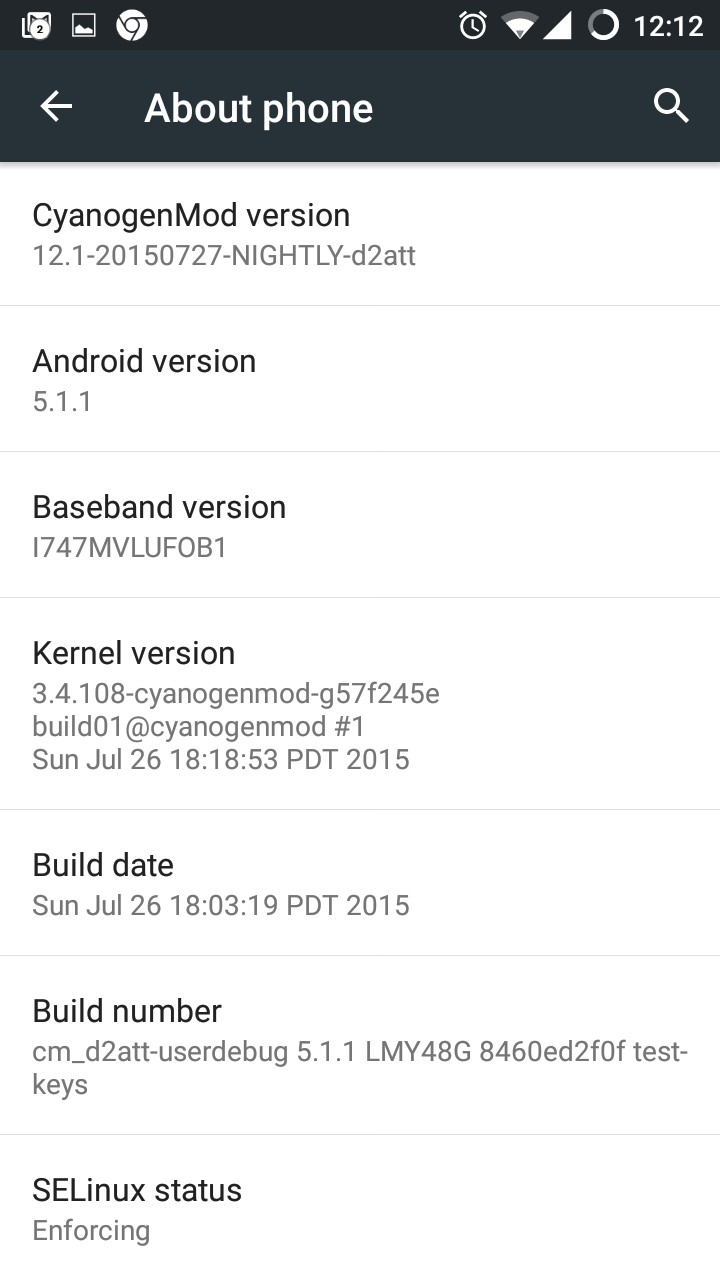
- Use a mobile device that is not restrictive (LineageOS is recommended) or at least permits the Installation of Google Chrome.
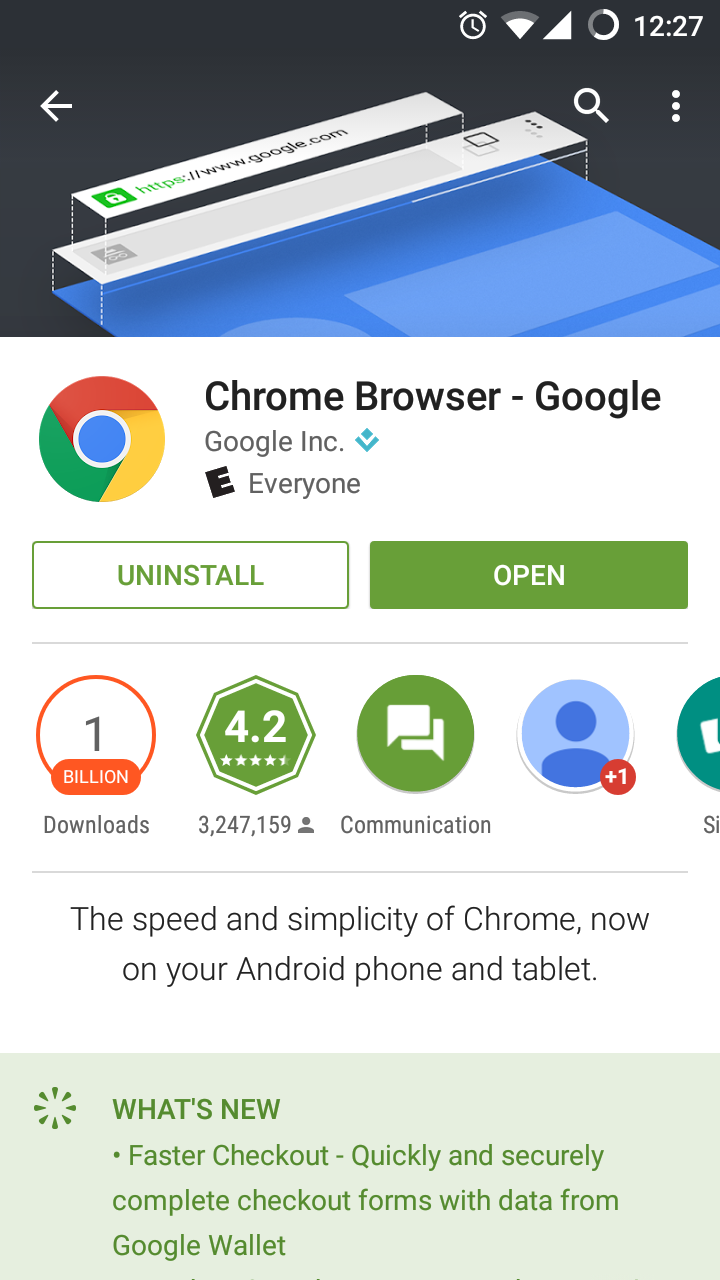
- Install Google Chrome.
- Open Noodle (SSL must be used).
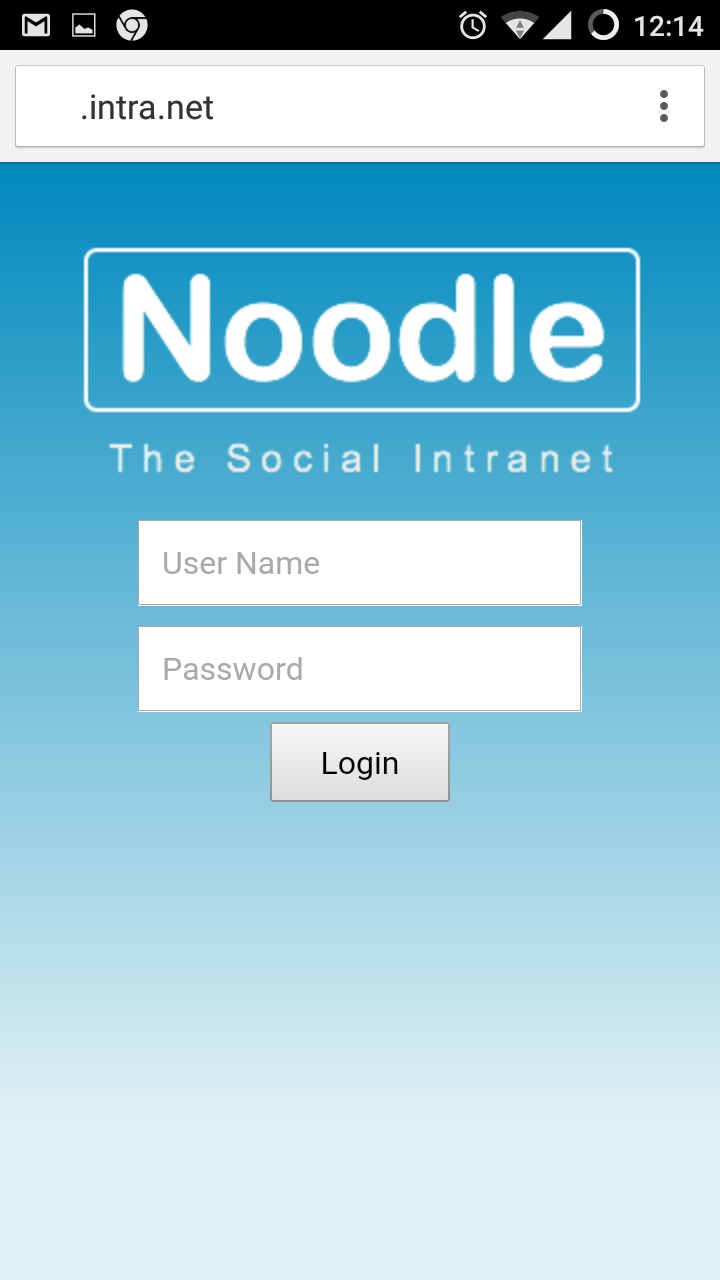
- Login.
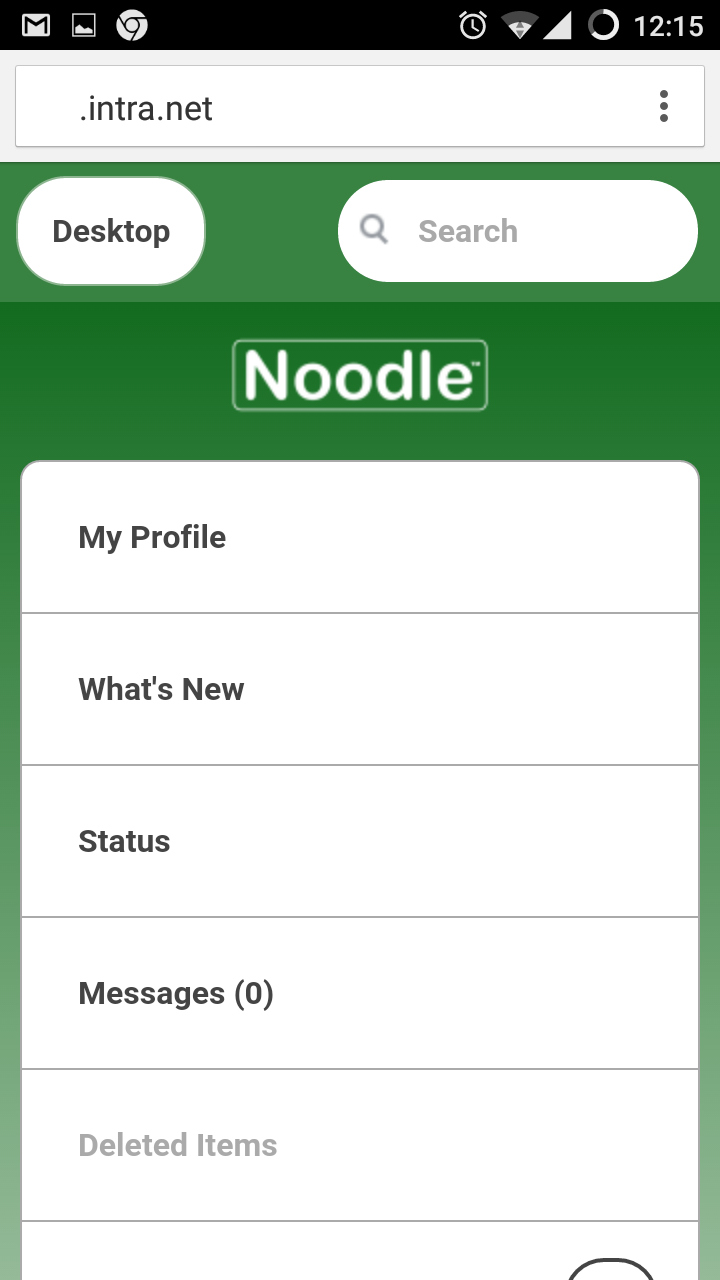
- View Messages, and click subscribe.
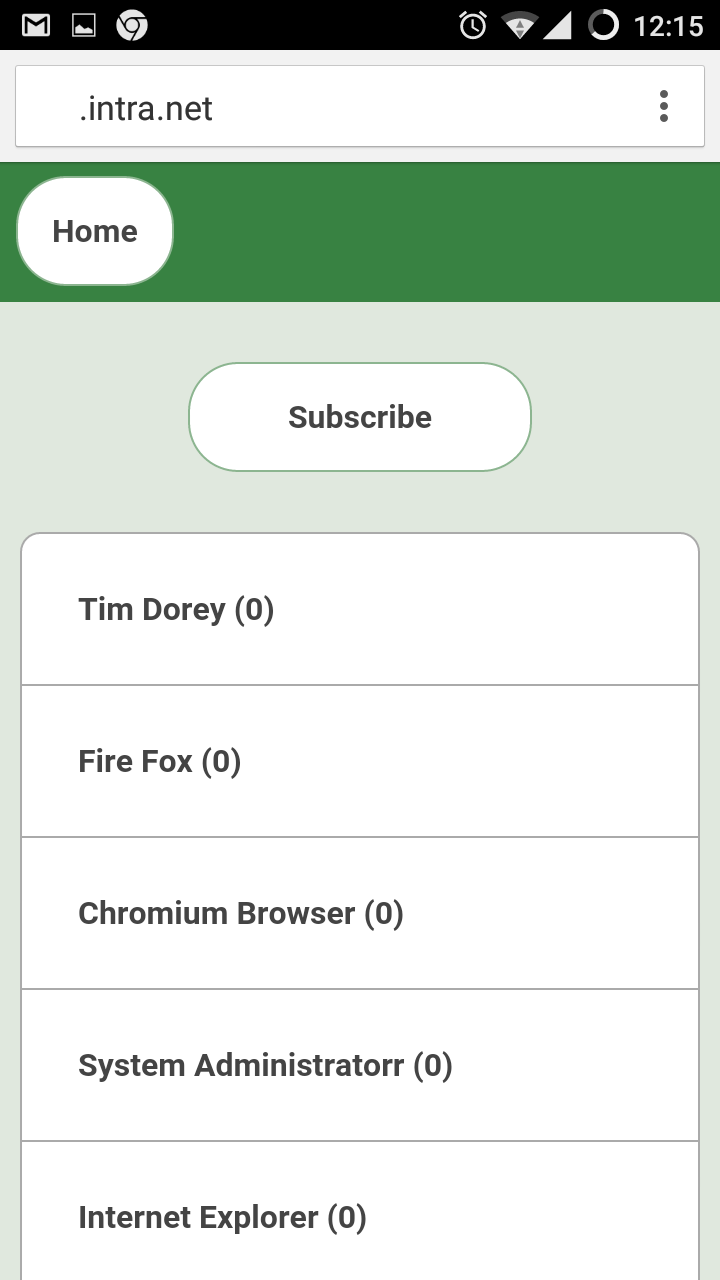
- Use a desktop browser to create and fill in the push URL setting.
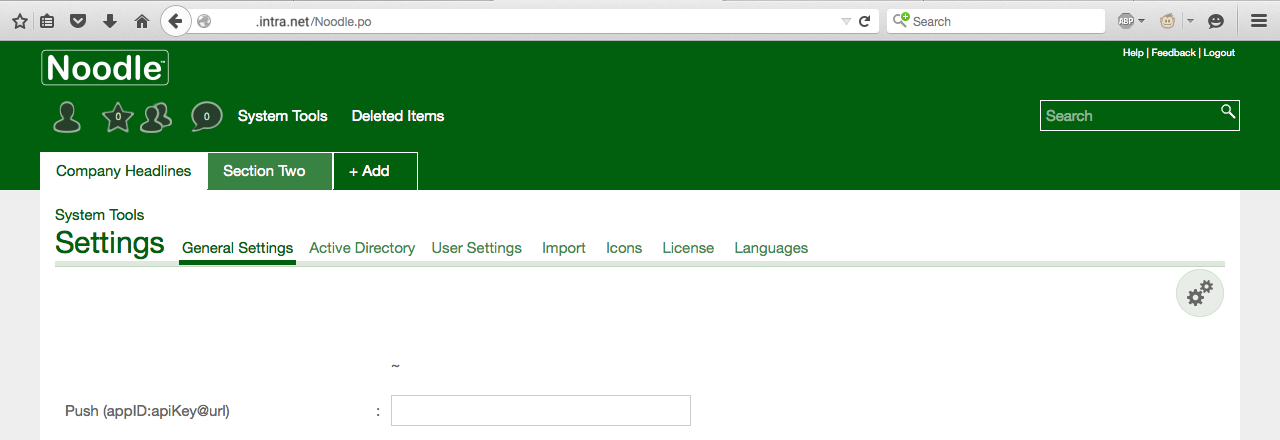
- Push subscribe with your mobile again, and now when someone sends you an instant message you will be Notified. Notifications will also show up on smart watches.
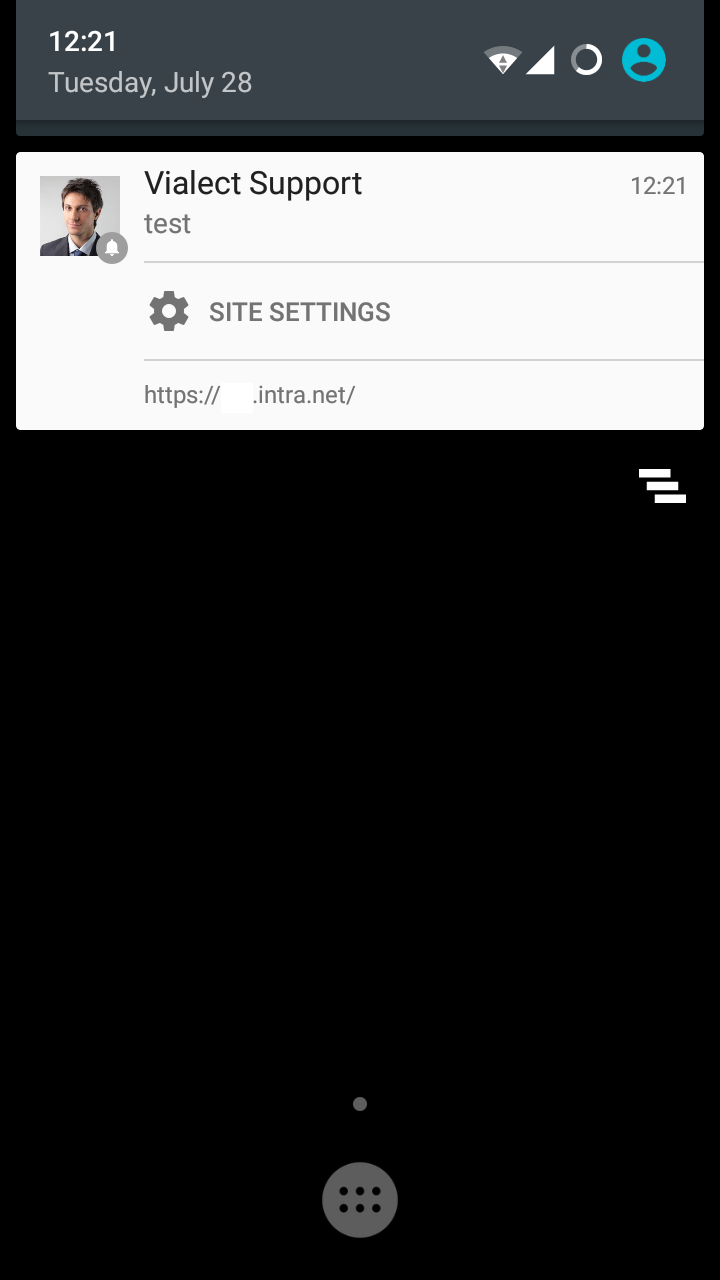
Emails
Emails can be sent in the following 5 ways:
- Subscriptions (per user)
- My Profile > Edit > What's New > Subscription
- System Tools > People > [USER] > What's New > Subscription
- System Tools > Settings > General > Email usage report
- Auto notifications (per folder)
- Administration > Auto Notification
- (supported folder application types only)
- Workflow (per folder)
- Workflow Tab
- (supported folder application types only)
- Memo manger (per site)
- System application
- Mention and reply
- Can be disabled in Profile > Edit > Email on mention
- Notification (any item or folder)
- any user can notify any other user of any item
- Password reset
- System Tools > Security > General > Allow the "Forgot my Password" feature
- Health warnings
Spam
How to prevent emails from Noodle from being marked as spam.
If you are hosted by Vialect and are using mail.vialect.net in the SMTP settings half of it is already taken care of:
- If using SPF add our mail server, then verify with.
- Lin
dig sub.domain.tld TXT +short | grep spf
- Win
nslookup -type=TXT sub.domain.tld | findstr spf
- Lin
- If using Google mail client add a filter (to add a tag) for anything with your Noodle domain name in it.
- If you are using an SPF please add include:mail.vialect.net
If hosting Noodle on your own server or using your own SMTP server, additionally:
- Whitelist the Noodle server (Postfix, Spamassassin, Exchange)
- Use authentication in the Noodle setting
[user:pass@]domain.tld[:port][,protocol]
Another option is to use something like noreply@vialect.com in the "Send system emails from" system setting.
Check potential issues from
System Tools > Analytics > electronic mail address issues
Creating a Group
Once the structure has been created, we can now look at creating groups that will allow us to control permissions and access rights. Group names should be explanatory of the role they represent.
To create groups, click on Groups inside System Tools. Existing Groups will be displayed at the top of the page. Click on a group to display it's members in the lower part of the screen. Members can also be added to Groups here at any time.
Click on the 'Create Group' button, enter a name in the text box marked Group Name, and click 'Save' to confirm.